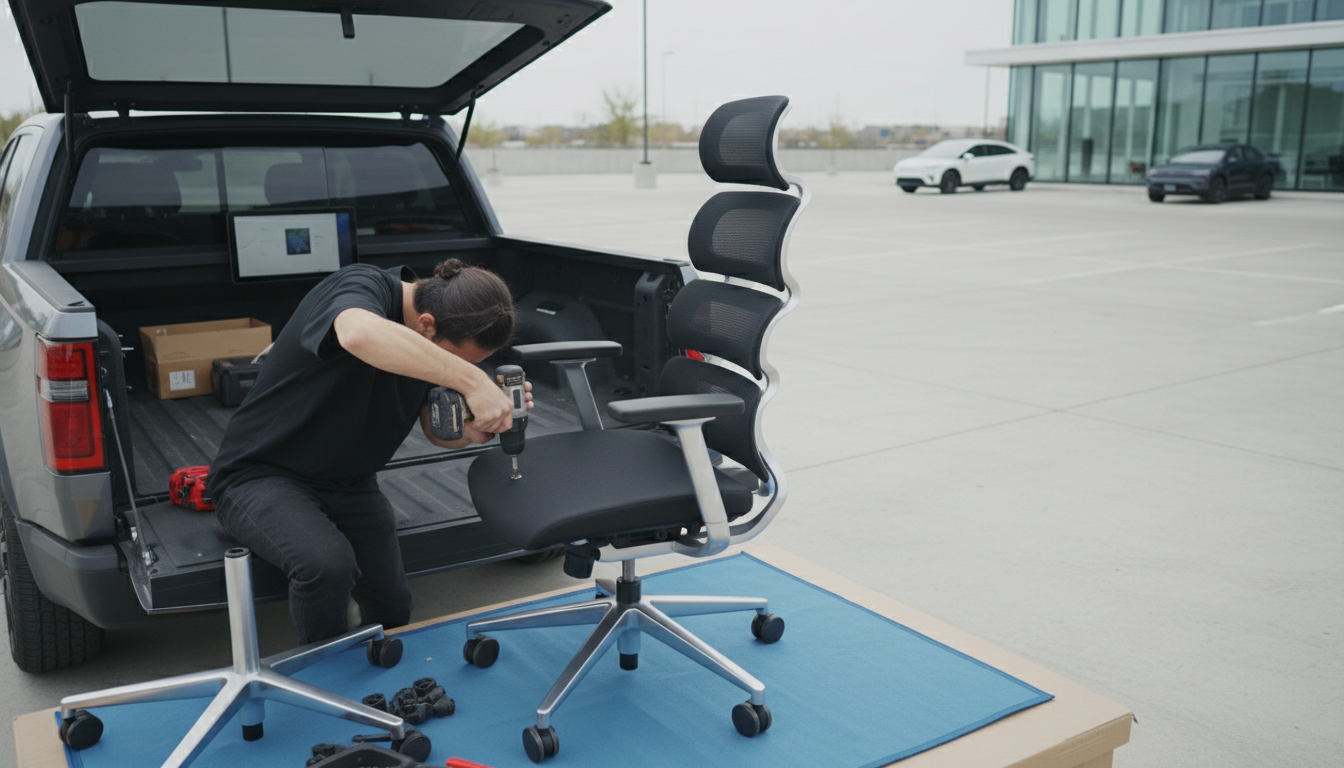
The best ergonomic office chair for long hours is the one that fits your body and can be fine-tuned so you can keep a neutral posture all day: feet supported, hips slightly higher than knees, shoulders relaxed, and your lower back gently supported. Instead of chasing a single “perfect” model, prioritize chairs with a strong adjustment range and stable support that matches how you actually work—typing, taking calls, leaning back to think, or sitting upright for focus.
Look for these essentials:
A chair can look ergonomic on paper, but long-hour comfort often comes down to dialing in the settings. If you want a practical, step-by-step walkthrough to get your chair fitting correctly, follow this guide: ergonomic swivel office chair adjustments for comfort.
Once the chair is adjusted, give it a few work sessions before judging it. Minor tweaks—raising the armrests a notch, shifting lumbar height, or moving the seat pan slightly—can make a bigger difference than swapping chairs.
Start with seat height so your feet are supported and your knees are roughly level with (or slightly below) your hips, then set seat depth so you’re not pressed at the back of the knees. Finish by positioning lumbar support to meet your lower-back curve and adjusting armrests so your shoulders stay relaxed while typing.












Leave a comment