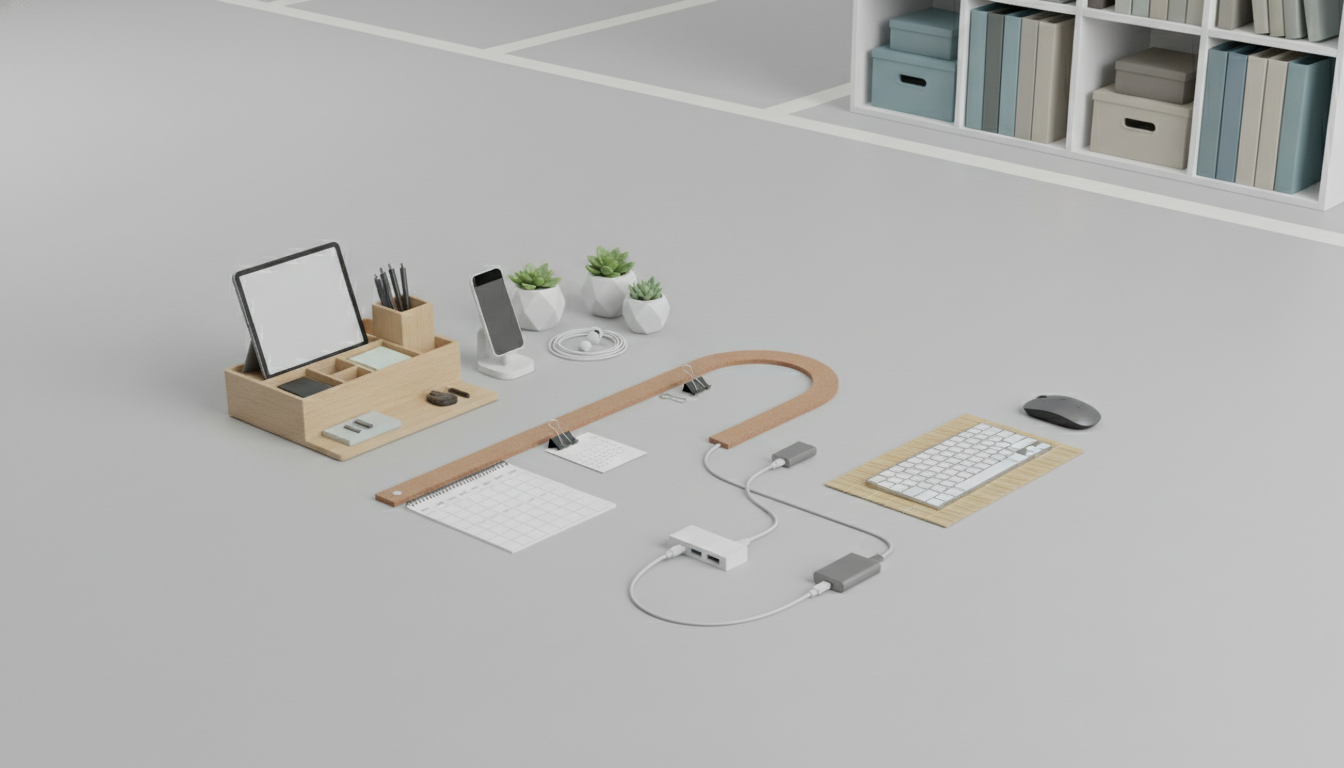
A simple home office organization system should include a few reliable “homes” for your essentials, a quick daily reset routine, and an easy way to manage papers and digital tasks without creating extra steps. The goal is to reduce small frictions—searching for a pen, hunting for a file, reopening the same tabs—so you can start work faster and stay focused longer.
Start with three primary zones: a work zone (desktop and immediate reach), a reference zone (nearby shelves or drawers), and a storage zone (closet, cabinet, or bins). Keep only current-project items in the work zone and move everything else out of sight. This one change prevents visual clutter from becoming mental clutter.
1) A clear desktop + “today” tray: Leave space for your keyboard, notebook, and one active project. Add a single inbox tray for anything that arrives during the day (mail, receipts, notes). This prevents piles from spreading.
2) Simple paper control: Use a small set of labeled folders: “To File,” “To Pay,” and “Action Needed.” File completed items weekly. If you rarely need hard copies, scan important documents and store them in one cloud folder with consistent names.
3) A basic supply station: Group daily-use tools—pens, sticky notes, charger, headphones—into one drawer organizer or desktop caddy. Avoid buying multiples by keeping one “backup” bin in your storage zone.
4) Task capture + planning system: Choose one place for tasks (a notebook or a single app). Add a short morning plan (top 3 priorities) and an end-of-day review (move unfinished tasks, clear the inbox tray). Consistency beats complexity.
5) Cable and tech management: Label cords, use a power strip mounted under the desk, and keep a dedicated charging spot. Fewer cable tangles means fewer interruptions.
For a deeper breakdown of what to set up first and how to keep it effortless, see the full guide on a simple home office organization system.
Use a 5-minute daily reset: clear the desktop, empty the “today” tray into folders, and write tomorrow’s top three priorities. Small, consistent resets prevent weekend-sized messes.












Leave a comment