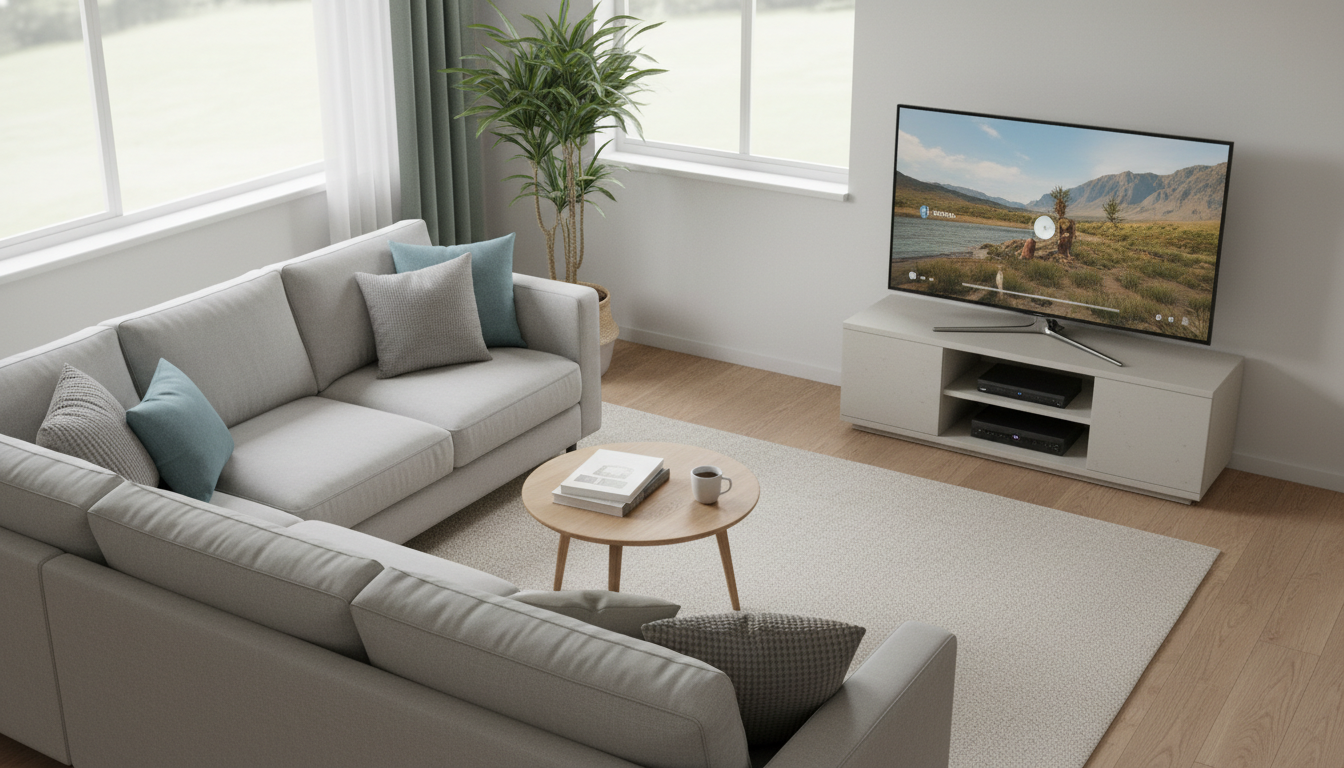
Putting a TV in a corner can be a smart idea when you want to save floor space, open up walkways, or make an awkward room layout feel intentional. Corner placement often works especially well in small living rooms, bedrooms, and multipurpose spaces where a flat wall is limited or already taken by doors, windows, or shelving.
That said, it’s only a “good idea” if the viewing angle, height, and cable management are handled correctly. A poorly placed corner TV can force off-center seating, increase glare from nearby windows, and make the screen feel too high or too low—leading to neck strain over time.
A corner TV is usually a win when the main seating naturally faces that corner (or can be adjusted to). It’s also helpful when the corner allows a larger screen without dominating the room, since the angled placement can visually soften the TV’s footprint.
Corner setups also pair nicely with a dedicated corner TV stand or corner media cabinet, which can provide storage for streaming devices, game consoles, and remotes while keeping cables tucked away.
If the couch sits too far off to the side, colors and contrast can look washed out on some TVs. Aim to keep primary seating as centered to the screen as possible, and avoid extreme side angles.
Corners near windows can create glare across the screen. Consider blackout curtains, adjustable mounts, or a slight reorientation of the stand to reduce reflections.
Mounting in a corner can be trickier due to stud placement and limited wall space. A corner-friendly mount or a purpose-built corner stand can simplify installation and keep cords from becoming a visible tangle.
Choose a stand sized for your TV (including the base width), set the screen at a comfortable eye level when seated, and plan outlets before committing to placement. For more layout ideas, stand options, and setup tips, visit this corner TV stand and setup guide.
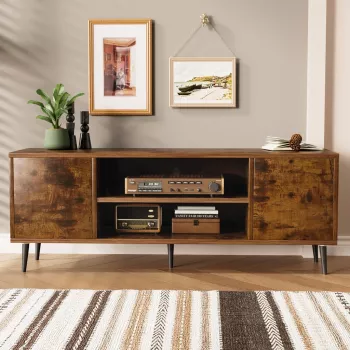
Pick a stand that’s at least as wide as the TV’s base (or wider for stability) and rated to support the TV’s weight. Extra width also leaves room for a soundbar and helps the setup look balanced.











Leave a comment