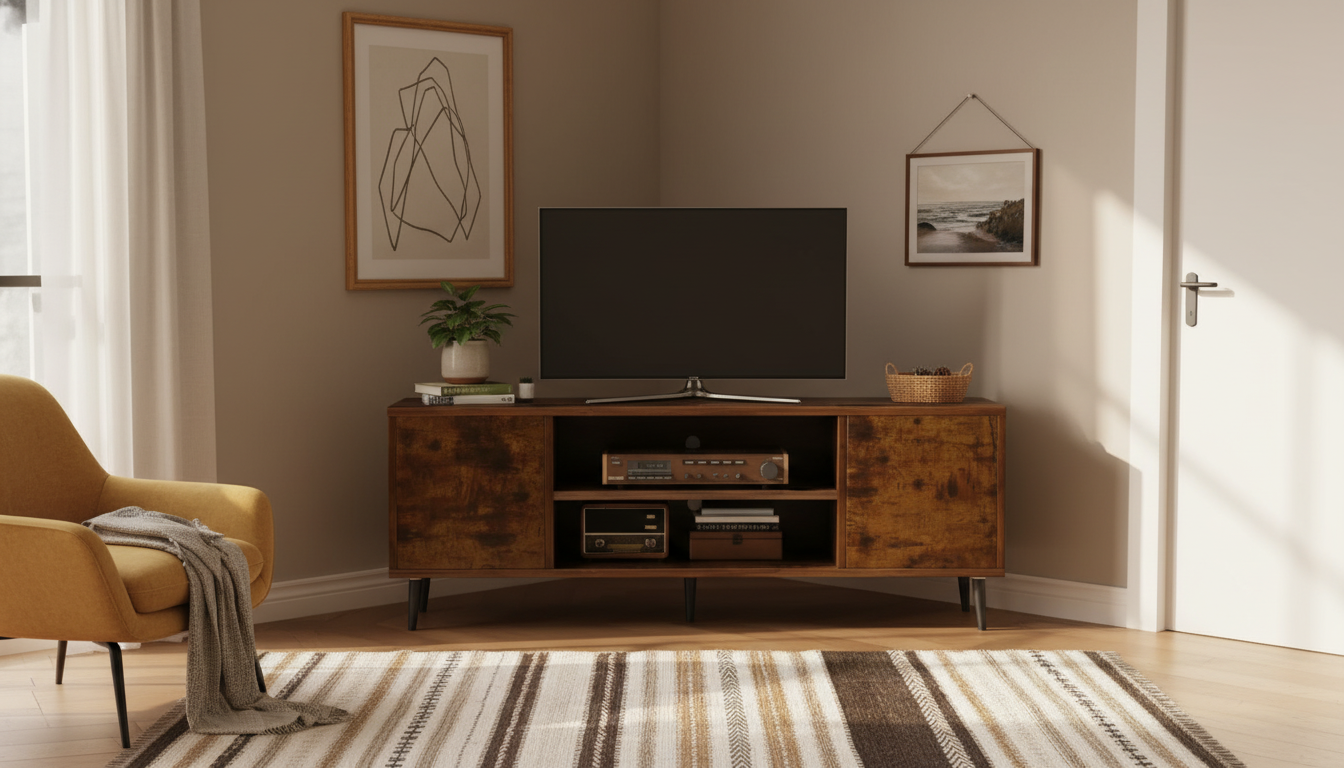
A corner TV stand can turn an overlooked angle of the room into a clean, functional media zone. This design pairs closed cabinets for clutter control with open shelves for everyday devices and decor, helping small and mid-size living rooms feel more organized without taking over valuable wall space.
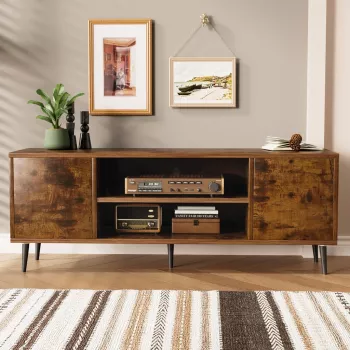
If you want a corner-friendly setup that keeps gear accessible but the “stuff” out of sight, the Comfort Corner TV Stand with Storage Cabinets and Open Shelves is designed for exactly that day-to-day balance.
A corner footprint is especially helpful when a room has multiple focal points (a window, a fireplace, a hallway entry) and there isn’t an obvious “TV wall.” Instead of forcing the screen into the middle of the longest wall, the corner placement can make the room feel less dominated by electronics while still keeping viewing comfortable.
That mixed storage is what makes this style of stand feel “easy” to live with. Daily-use tech can stay within reach, while the cabinets act like a reset button—close the doors and the room looks calmer. For households that swap between a game console, a streaming box, and a sound system, open shelves also reduce the frustration of constant plug-and-unplug changes.
| What to Measure | How to Measure | Good Rule of Thumb |
|---|---|---|
| Corner wall lengths | Measure along each wall from the corner outward | Ensure the stand’s side depth won’t block doors or vents |
| Stand projection | Measure from the corner into the room | Keep walkways comfortable; avoid narrowing main paths |
| TV footprint | Compare TV base/legs width to the stand’s top | Leave a little clearance on both sides for stability |
| Device space | List devices and their widths/heights | Reserve one open shelf with extra headroom for airflow |
For viewing comfort, distance and angle matter just as much as furniture size. A helpful reference for screen size and seating distance is RTINGS’ guidance on TV sizing and distance relationships: TV size-to-distance relationship. Use it as a sanity check after you’ve chosen the corner and before you commit to final placement.
For homes with children, anchoring tall or heavy furniture is a practical safety step. The U.S. Consumer Product Safety Commission’s “Anchor It!” program is a reliable resource on tip-over prevention: Furniture tip-over prevention.
For a cohesive room, pair your media storage with a dedicated closed-storage piece elsewhere so the TV area doesn’t become the default dumping zone. If you’re also upgrading bedroom or entry storage, the Modern Minimalist Ash Wood Wardrobe with Artistic Glass Sliding Doors adds a clean-lined, space-conscious storage option that complements modern interiors.
Yes—corner TV stands are a strong choice for smaller rooms, awkward layouts, or spaces where you want to free up longer walls for seating and storage. They create a defined media nook while keeping walkways clearer, but it’s important to check viewing angle, cable routing, and device ventilation.
It can be, as long as the main seating position has a comfortable viewing angle and the screen height is close to seated eye level. To reduce glare and neck strain, position the TV so it faces the primary seat as directly as possible and avoid placing it opposite bright windows.









Leave a comment